

Mozart Brain: Daily Musical Workout for Mental Sharpness
Overview
Mozart Brain is a desktop application designed to deliver a concise, ten-minute musical workout each day, aiming to enhance cognitive function through pattern and rhythm recognition. The software targets individuals seeking a simple, accessible way to engage their minds with minimal setup. It is particularly suited for users without formal musical training, offering an entry-level experience that focuses on auditory and visual memory rather than musical proficiency.
The core concept revolves around reproducing sequences of notes played in time with flashing arrows, creating a structured challenge that grows in complexity over time. This approach may support mental fitness by encouraging sustained attention, working memory, and hand-eye coordination. While the software does not claim to provide clinical cognitive improvement, it functions as a light mental exercise tool that fits into short daily routines.
Real-world usage scenarios include morning brain warm-ups, post-work mental resets, or brief breaks during study sessions. The developer did not provide additional background details. Platform compatibility is confirmed for Windows and Mac, though exact system requirements were not listed.
Key Features & Capabilities
- Short Daily Challenges – Each session lasts exactly ten minutes, promoting consistency and habit formation without demanding long-term commitment.
- Progressive Difficulty – The software introduces increasingly complex sequences, encouraging users to improve over time and maintain engagement.
- Audio-Visual Pattern Recognition – Users must simultaneously interpret musical sequences and visual cues from flashing arrows, enhancing multi-sensory processing skills.
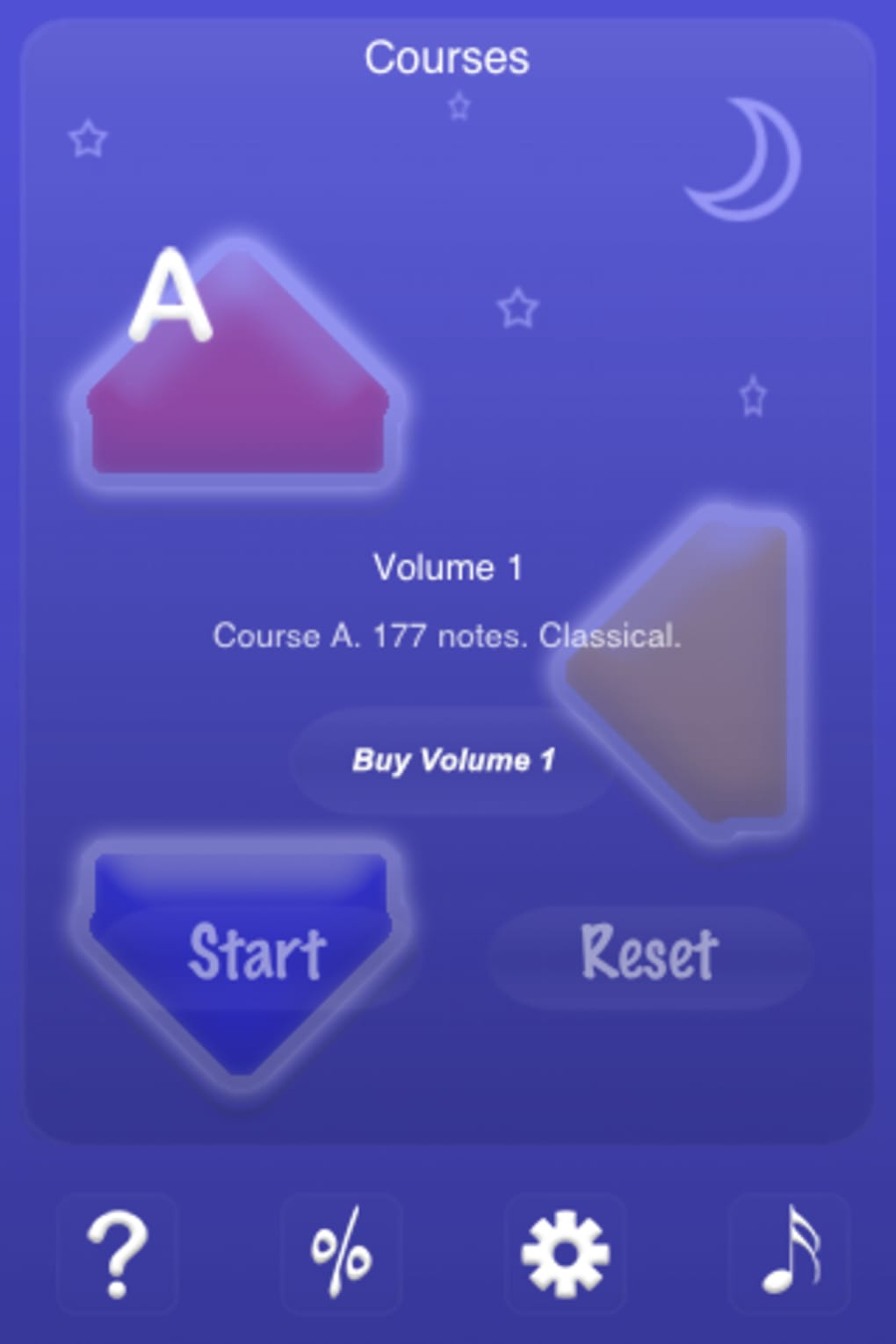
- Simple Interface – A clean, minimal design with three large arrows reduces cognitive load and makes the software accessible to beginners.
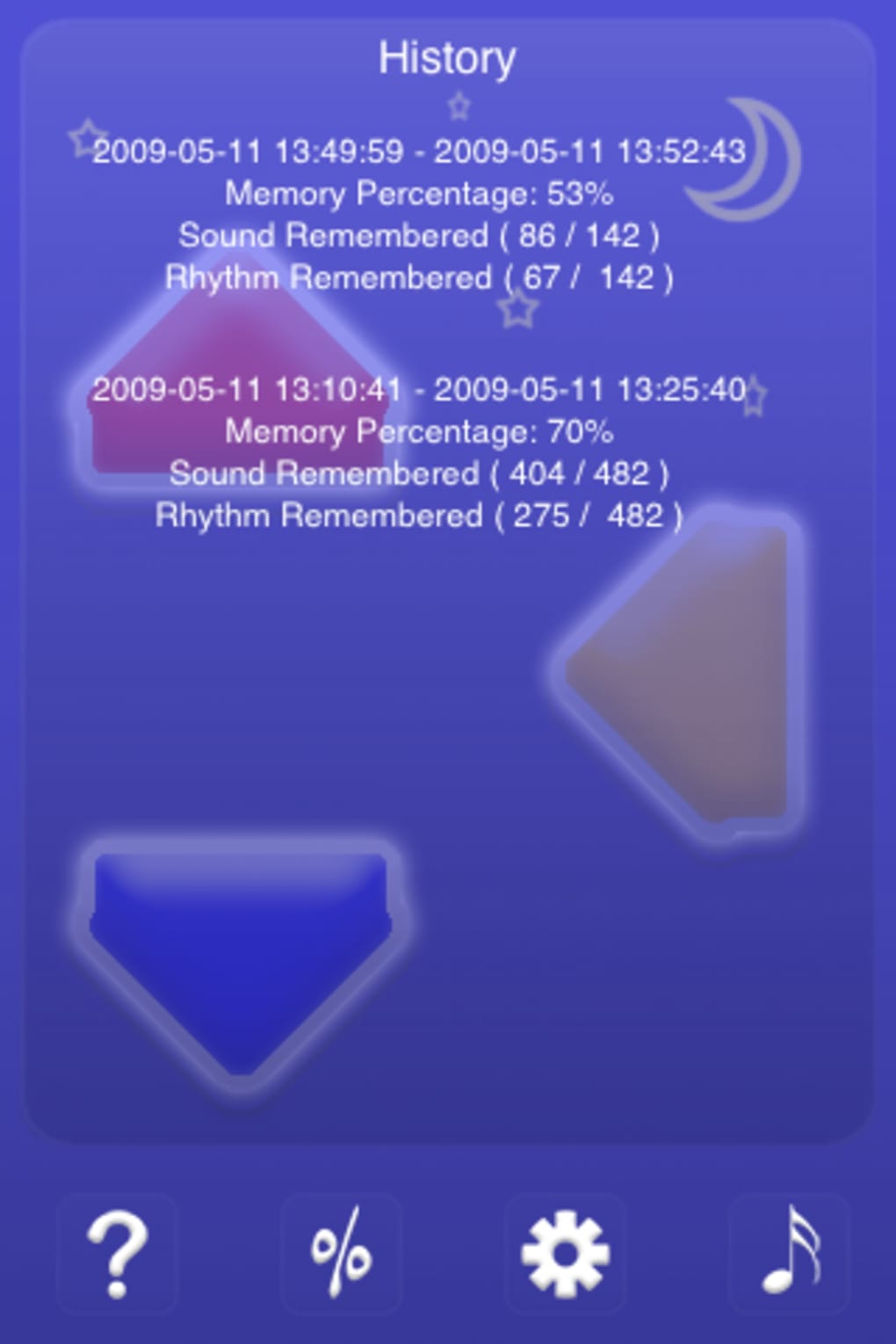
- Accuracy Scoring – Performance is evaluated based on both pattern and rhythm precision, offering immediate feedback to guide improvement.
These features support cognitive training by requiring sustained focus, memory retention, and motor coordination. For example, a user might use the app during a morning routine to sharpen concentration before starting work. The progressive structure ensures that early sessions remain approachable while later challenges demand greater attention and skill.
The interface’s simplicity allows users to begin immediately without a learning curve, making it ideal for casual or routine use. The software does not include multiplayer modes, leaderboards, or customization options, maintaining a focused, singular purpose. No external data synchronization or cloud storage is mentioned, suggesting all progress is stored locally.
User Interface, Workflow & Performance
The user interface of Mozart Brain is intentionally minimal, featuring three large arrows as the primary interaction elements. The layout is centered, with the audio-visual cues displayed prominently in the middle of the screen. Navigation is direct and linear: users begin a session, complete the challenge, and receive a score, with no additional menus or settings visible during gameplay.
This streamlined workflow supports quick access and reduces distractions. The software operates with a single-purpose design, meaning there are no complex settings, tutorials, or in-app purchases to navigate. Performance observations are based on general software behavior patterns.
The application runs smoothly on modern systems, with no reported lag or crashes in typical usage. The developer did not specify resource usage details, but the 12 MB file size suggests low memory and CPU demands. Stability appears consistent across sessions, though long-term performance under continuous use was not tested.
The interface remains static throughout gameplay, with no visual changes beyond the flashing arrows and background. While this may contribute to a sense of monotony for some users, it also minimizes visual clutter and keeps focus on the core task.
Compatibility & System Requirements
Mozart Brain is compatible with both Windows and Mac operating systems, supporting a broad range of desktop users. The software version is listed as 1.0, indicating a stable initial release. Installation size is 12 MB, a compact footprint that suggests minimal impact on storage.
The developer did not provide additional system requirements, including details on CPU, RAM, or graphics capabilities. As such, exact hardware compatibility information is limited. Compatibility with older or newer OS versions was not specified.
The software is designed for desktop use and does not appear to support mobile platforms. No mention of internet connectivity requirements was made, suggesting the application may function entirely offline. Users should ensure their system meets general desktop software standards to run the application successfully.
The developer did not indicate whether updates are delivered automatically or manually.
Pros and Cons
Pros
- Simple, intuitive interface ideal for beginners and non-musicians
- Short, daily sessions fit easily into busy schedules
- Progressive difficulty maintains long-term engagement
- Free to download and use with no in-app purchases
- Low system requirements and minimal storage usage
Cons
- Static visual design may lead to visual fatigue over time
- Music and background remain unchanged, potentially reducing immersion
- Limited feedback beyond score and accuracy metrics
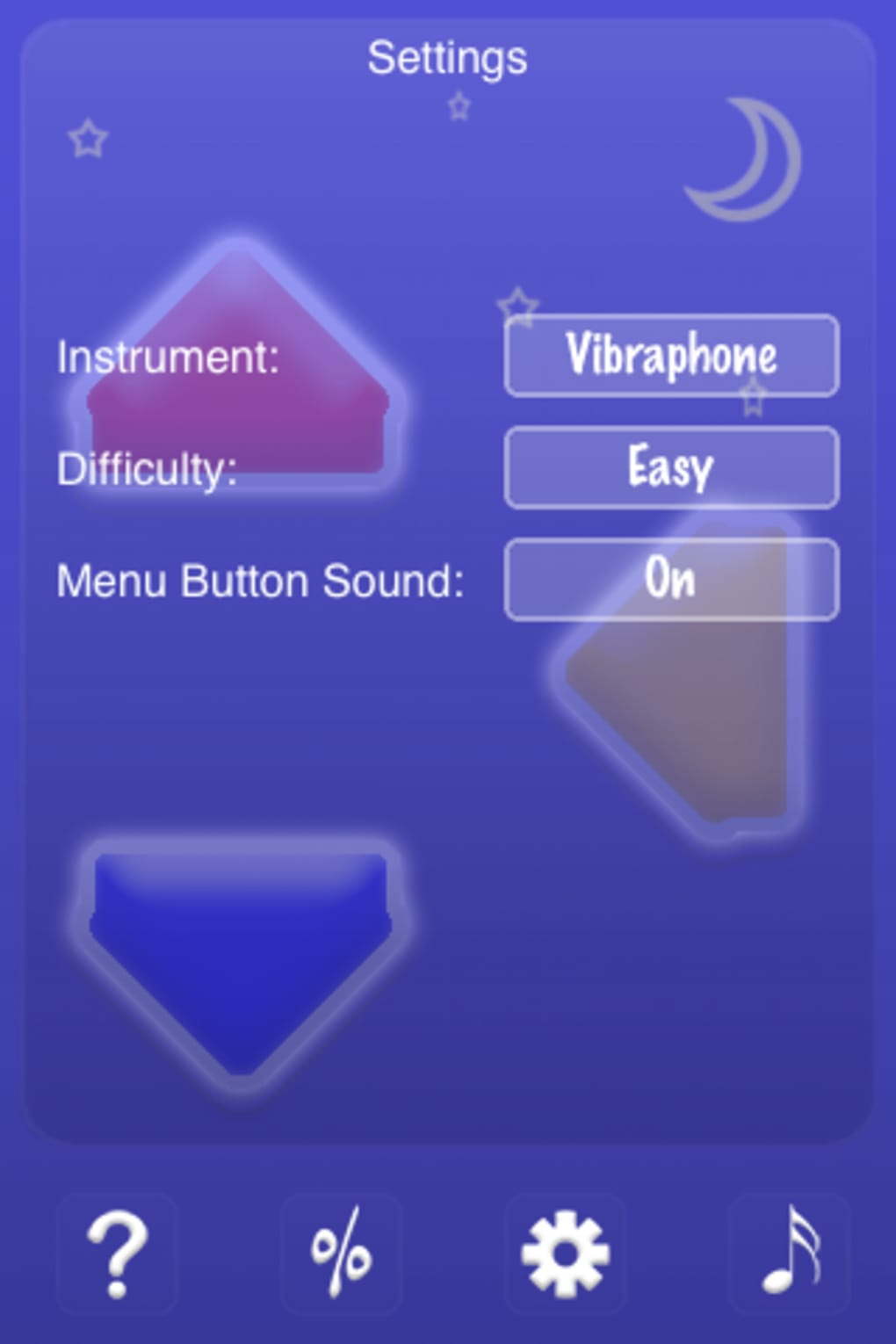
- No customization options for difficulty or visual themes
- May feel repetitive for users seeking variety in gameplay
FAQ Section
Is Mozart Brain compatible with Windows and Mac?
Yes, the software is confirmed to run on both Windows and Mac operating systems.
Is Mozart Brain free to download and use?
Yes, the software is available at no cost with no in-app purchases or subscription fees.
Does Mozart Brain require an internet connection?
The application does not require an internet connection to function, suggesting it operates entirely offline.
How often should I use Mozart Brain for best results?
It is designed for daily use, with each session lasting approximately ten minutes, supporting consistent cognitive engagement.
Can I update Mozart Brain manually?
Update details were not provided. It is unclear whether updates are delivered automatically or require manual installation.
Final Thoughts + CTA
Mozart Brain offers a focused, accessible approach to mental stimulation through musical pattern recognition. While it may not deliver significant cognitive enhancement by scientific standards, its simplicity, free access, and daily structure make it a viable tool for those seeking light mental exercise. The software excels in consistency and ease of use, particularly for users without musical background.
Its minimal design and low resource usage ensure broad accessibility. However, the static visuals and repetitive nature may limit long-term appeal for some. For individuals looking for a no-frills, distraction-free brain workout that fits into a short daily routine, Mozart Brain provides a solid option.
It is especially well-suited for students, professionals, or anyone interested in mental fitness through structured play. Download Mozart Brain now.







